
What you'll need:
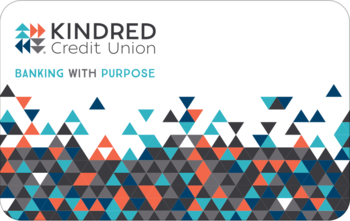
- Your Access Card Number
- Your Personal Access Code (PAC)
(PAC is simply another name for ‘password’.)
You’ll find the 16 digits you need on the back of your Access Card, which looks like this. >>
Don’t have your Access Card or Personal Access Code handy? Call our Member Contact Centre at 1 888-672-6728.
Logging in for the first time:
- Got to auth.kindredcu.com/login.
- In the Access Card Number field, enter your access card number. (You do not need to include the dash.)
- In the Access Code (PAC) field, enter the temporary PAC that Kindred provided to you. (PAC is simply another name for 'password'.)
- Click Login. When prompted, create your own personalized PAC, following the requirements.
- You’ll be prompted to enroll in 2-step verification with one of three contact methods: text, email, or voice call.
You’re ready to do your banking online!